Holiday Travel Facts Click the link below and it will open to a resource worksheet where your students can enter all the details about their chosen holiday destination. Once the students have researched the necessary information, they can use the information collected to start creating their travel magazine.
To help keep the students up to date and on task a checklist is included to allow students to mark off the collected information and completed work as they do it.
To help keep you (the teacher) up to date on where the students are up to and their work habits over the duration of the activity is a teacher checklist and is included below.
Websites for Group Accessible Documents http://www.wikispaces.com/ allows those with permission to access and use documents simultaneously. Requires an email address. Free, private, ad-free wikis are available for educators, and these track all alterations of documents, allowing following individual work easier.
http://windowslive.com/online/skydrive allows those with permission to access and use documents simultaneously. There are 25GB of free online storage available, and it works with all Office programs, even if the computer you access it from does not have them installed. Requires an email address. |
||||||||
Tools for organising research information. Mindmapping To the right are some resources that will enable your students to do a drawing representation of their ideas. The top file has an example of how they might organise their thoughts and a blank example to give them the idea of how to construct the mindmapping, students can create these kind of drawings using google docs (link to google docs above).
Survs is an online questionnaire or survey maker which will be useful for the students tasks. Follow the link: http://www.survs.com/?gclid=CNa0r4j8i6gCFYE1pAodOA_UBg eHow family has an article on how to put together a questionnaire the student can read for guidance. Link; http://www.ehow.com/how_2305520_make-questionnaire.html  Plan a Holiday by Julie Hill, Sjaan Bosman and Vicky Flatt is licensed under a Creative Commons Attribution-NonCommercial-ShareAlike 3.0 Australia License. Based on a work at planaholiday.yolasite.com. Permissions beyond the scope of this license may be available at planaholiday.yo lasite.com. |
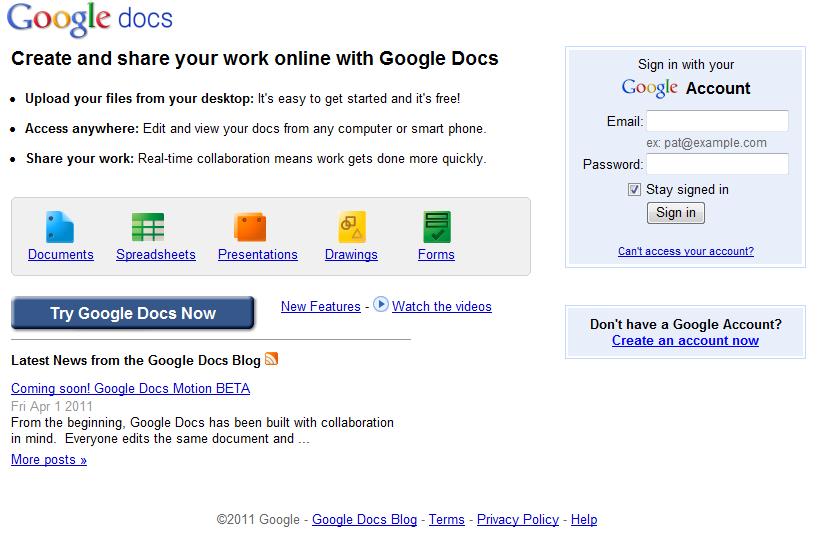
Google Docs can be used to share and create documents by your student. Students can create documents, drawings, spreadsheets, presentations and forms. There are many templates that can accessed and all the documents can be accessed for any computer so students can work at home as well as in school. Link; https://www.google.com/accounts
Microsoft Office is good resource for you students to make up documents. These documents or spreadsheets can be copied into there mazagine.
 |
|||||||

This free website was made using Yola.
No HTML skills required. Build your website in minutes.
Go to www.yola.com and sign up today!
Make a free website with Yola
